Winning Vendor Responsibilities
Congratulations on your new piece of business! Learn how to close the project in Shortlister
In addition to using Shortlister to issue RFPs, brokers also utilize it to monitor where they’re placing business and the costs of services their clients are paying for. Therefore, when you are chosen as the winning vendor, you’ll be asked to enter closing details into Shortlister so that the broker organization has access to that information. Submitting these closing details is very important and provides top-tier support to both the client and the consultant.
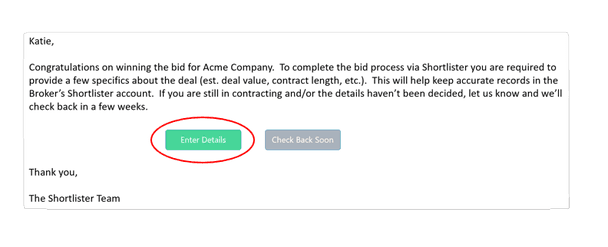
Shortlister will send an email confirming you are the winning vendor and ask you to Enter Details* about the contract:
- Contract length
- Total annual contract value
- Unit price of the primary product
- Implementation cost
- Additional details will be required if you participate in the consultant incentive program
*The closing details are important data points our consultant users want tracked and should be easy for the winning vendor to provide. In the event that the winning vendor fails to provide the closing details, their account will be suspended until that data is provided. While suspended, they will not be eligible to be included in new RFPs.