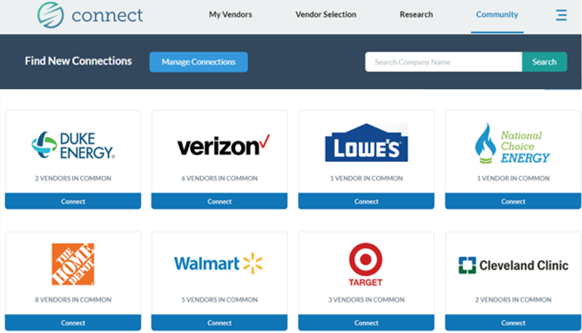
Community provides a secure space for you to network and build relationships with other employers.
The Community Tab allows you to...
1. Connect with other employers 2. Share feedback about your vendor experiences 3. Feel empowered to make more informed buying decisions
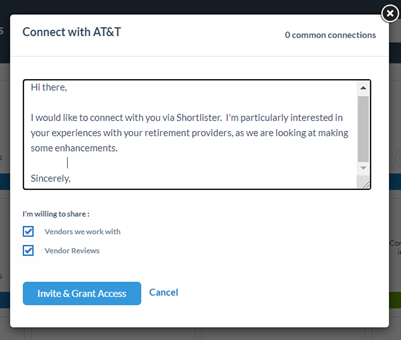
Initiate collaboration by selecting “Connect” on an employer you’re interested in sharing with
You can customize your message and easily control the information you share.
If you connect with other organizations and give permission to see your vendors, they will only see the rating data you provide for a vendor. They will not see details such as vendor contract terms or vendor contacts.
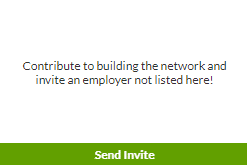
Would you like to connect with one of your industry colleagues, and you don’t see them listed in Shortlister?
Invite them to join for free!
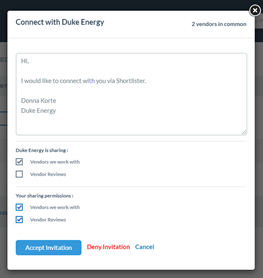
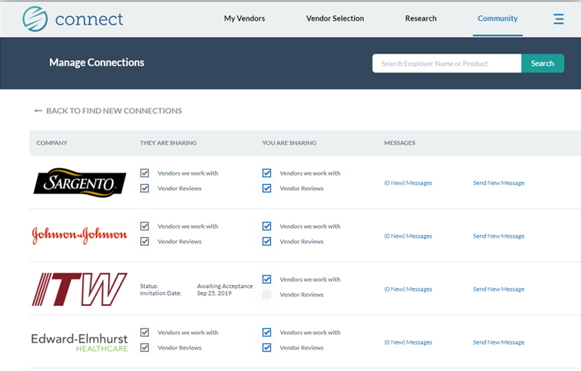
We’ll also notify you when another employer initiates a connection with you, and empower you to choose what information you’d like to share with the requesting employer:
The Manage Connections dashboards lets you easily view and control your connections as well as view and send messages to them.
Are you considering a new vendor partner, and want to understand if any of your connections currently are working with them?
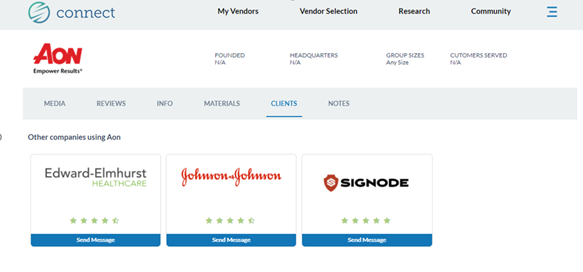
Access the Research tab and type in the vendor’s name. Select the vendor’s logo to access their Profile. The Clients section will show you if any of your connections are working with that vendor.
Easily send a message to your connections if you’d like to dialogue about their experience with the vendor in question.