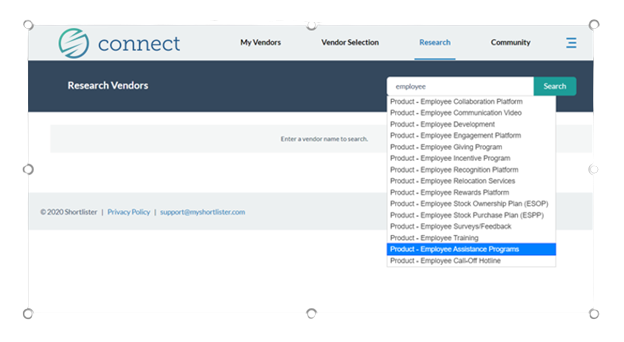
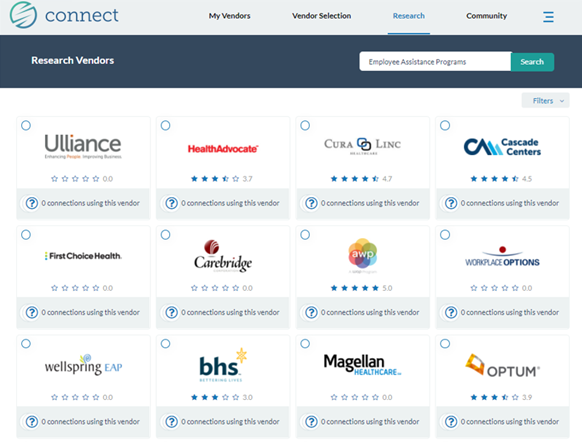
Speed up your evaluation process and get right to the subject area or vendor you’re interested in with the Research tab!
1. Explore vendor and provider options in a specific product area (e.g. HRIS or 401(k)
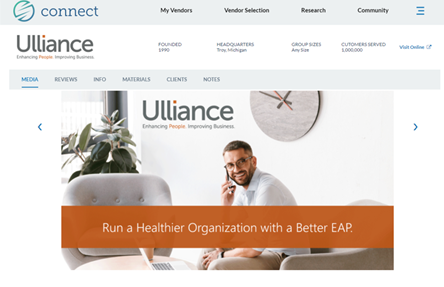
2. Look up a vendor by name to learn more about them
3. Choose to have selected vendors contact you directly, or use our bid management system to receive quotes through Shortlister
This will bring up all of the vendors who are enrolled (or in process) in Shortlister for the selected product.
You can easily see if any of your connections use a particular vendor.
Connect with other employers using their services
Get started with your account today!
Continue to Community ➱