Employee Benefits

How to Offboard a Remote Employee Without Missing a Step

How easy it is to offboard a remote employee? In fact, it might be more complicated. Having an offboarding checklist can help make sure you don’t miss anything.
In This Post:

Disclaimer: The views and opinions expressed in this guest post are solely those of the author and do not necessarily reflect the official policy, position, or opinions of Shortlsiter, its owners, editors, or staff members.

An inevitable part of HR management is offboarding employees

Hence, as you want to give new employees a great onboarding experience, it’s essential to ensure that exiting team members leave on a positive note as well.

Onboarding remote employees is a somewhat different process from onboarding office-based staff, and it’s the same for offboarding, too. 

An effective handover doesn’t just leave your now ex-employee with a great impression of you. It also minimizes the impact on other team members and ensures systems continue to run smoothly.

An Offboarding Strategy for Remote Employees

You might be wondering why offboarding matters so much – after all, the employee is leaving. However, there are good reasons for doing it properly, including: 

  • To maintain your company’s reputation. Treating outgoing employees with grace and respect can ensure you maintain a good reputation as an employer. 

Since job seekers tend to read company reviews before applying for jobs nowadays, a good reputation can attract top talent in the future. 

It also helps maintain positive employee relations with the rest of your workforce.

  • To comply with legal requirements. Since there are several reasons employment may come to an end, such as retirement, career progression, or contract termination, there may be different legislation to comply with. 
  • To gain insights through feedback. Having a professional offboarding strategy for remote employees helps to maintain a good relationship. Maintaining these relationships can be a great source of valuable feedback from employees.
  • To minimize security risks. Successful offboarding requires removing the exiting employee’s access to company data and intellectual property. A good relationship can help protect against data leaks, data loss, or identity theft. 

Understandably, it’s significant for anyone who uses remote employee software or who has been accessing company information via their own devices.

What does Remote Offboarding Involve?

To offboard an employee effectively, there are some key considerations regardless of their reasons for leaving. These include:

  • Closing down or transferring all the employees’ tasks and projects
  • Conducting an exit interview
  • Collecting company assets such as loaned hardware devices, digital keys, and passwords

For remote employees, there are additional considerations, such as how they’ll return company property to you and how communication will be handled. Some employees may be willing to come into the office, while others may need everything to be done online. 

Having an offboarding checklist can help make sure you don’t miss anything.

7 Steps to Offboard a Remote Employee

While remote offboarding steps may vary from company to company, there are a few best practices that apply to most situations. 

1) Communicate the Employee’s Departure 

The notice about the departure should be done with the leaving employee’s knowledge. You don’t want to announce it before they are ready to be bombarded with questions. Decide when the departure will be made official, and notify all relevant team members. 

If you have a head of remote work, involve them in the process.

Doing this can help prevent gossip and reduce uncertainty. 

Having everything out in the open leaves no room for speculation and helps create a more positive atmosphere. It also means other employees can work-shadow or learn the ropes during the notice period. This is especially important in a remote setting, as arranging the handover could take longer to complete. 

2) Send any Offboarding Documentation 

Just as you’d use an applicant tracking system in the onboarding process, you should have a tracking system for remote offboarding, too. This can help ensure the leaving employee has received all relevant information, plus gather any documentation they need to send back.

While this can be done via email, using a dedicated tracking system means everything is in one place, and your HR team can see at a glance what is yet to be done. 

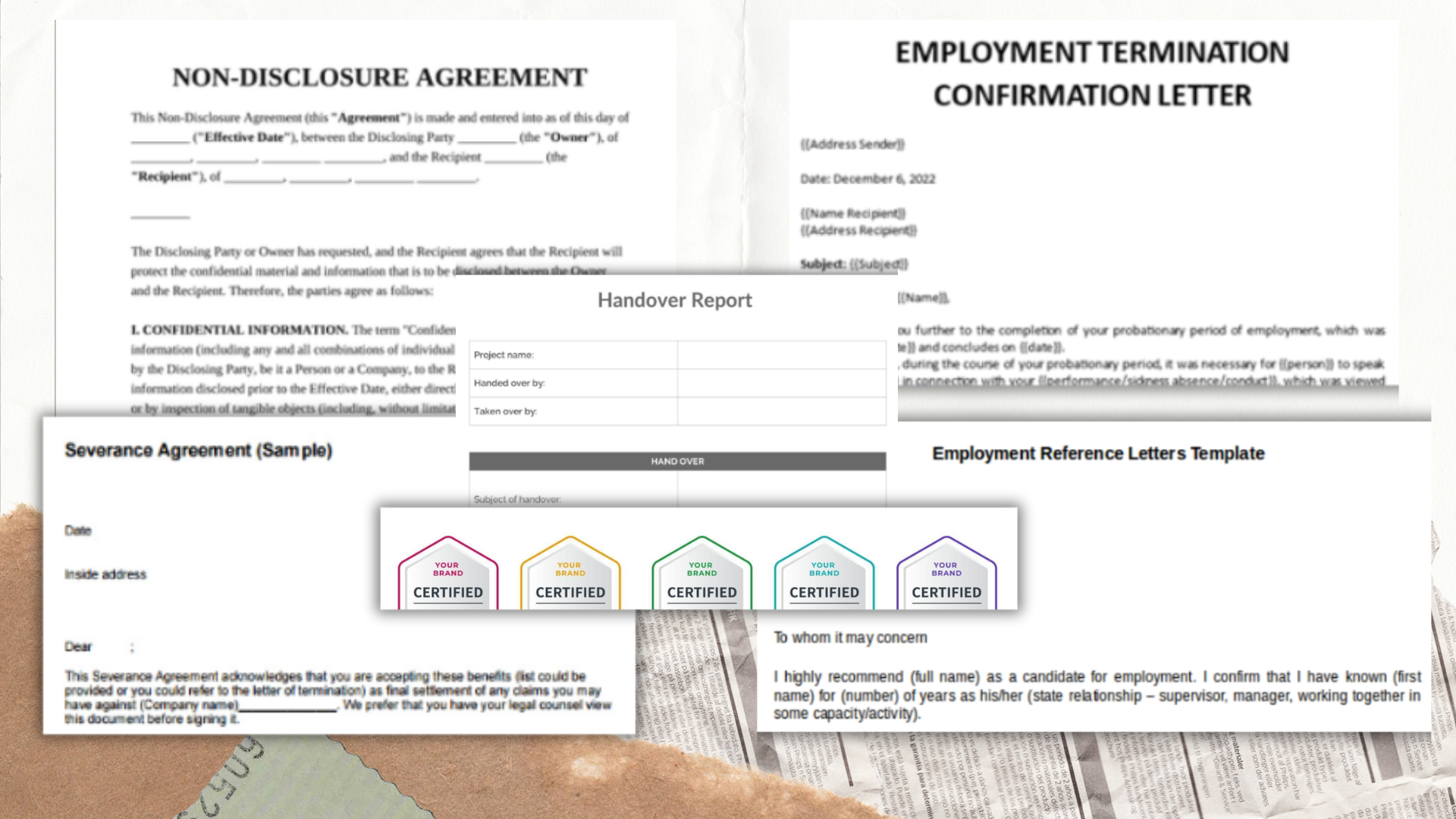
Documents may include: 

  • An acknowledgment that you have received a resignation or confirmation of a termination
  • Handover information or details of any other ‘next steps’
  • A referral letter
  • Copies of professional certificates hosted on your digital badge platform
  • A non-disclosure agreement 
  • Information regarding severance or final pay

3) Arrange the Кnowledge Тransfer

To ensure systems run smoothly after the employee leaves, you should have a robust knowledge transfer protocol in place. 

In a physical office, an outgoing employee might leave a folder behind. With a distributed workforce, this needs to take place via your chosen digital platform. Make sure there are clear expectations of where things should be uploaded, who should be notified, and when their access to the platform will cease.

The outgoing employee should:

  • Document any ongoing tasks that may be left incomplete
  • Ensure that any standard operating procedures (SOPs) they follow are up-to-date
  • Upload any company-related information

4) Schedule a Virtual Exit Interview

The exit interview plays an important part in offboarding for several reasons. 

Firstly, it allows you to determine why someone decides to leave. Perhaps it’s that the pay isn’t competitive or that the staff member didn’t feel supported. This information can help you make improvements to reduce staff turnover in the future.

Secondly, it gives you the chance to thank the employee for their work and wish them well. Accepting that people leave with grace helps you maintain a good reputation as an employer and leaves the door open for top talent to return in the future.

5) Arrange for Return of Assets

Remote workers may have physical assets such as keys, smartphones, and laptops. However, they’ll also have intangible assets, such as access to your internal network and confidential company documentation. 

Arranging for the return of physical assets may be done by courier, but your IT team will need to revoke software access on the employee’s last day. You may also need to transfer or shut down their virtual phone numbers if they have them. 

If your employee has an expense account, it will need to be settled, and any reimbursements will need to be made promptly. Outgoing employees will also need to be removed from group email lists and meeting invites.

6) Use the Right Tools

When offboarding an employee remotely, there is a range of HR tools to help the process go smoothly. 

  • Video conferencing solutions help you run effective exit interviews and also assist employee collaboration during the handover.
  • Survey software is handy for larger businesses that may experience greater numbers of exiting staff. It can help you get feedback on the offboarding process as well as understand why people are leaving.
  • Digital signature software can help remote staff sign any documents they may need to put their signature on, such as an NDA.
  • Task management tools help you deal with the handover of existing tasks, as well as streamline your offboarding process.

7) Start the Recruitment Process

Unless you’re reducing your workforce, you will need to make sure you’re actively seeking to fill the inevitable vacancy that’s looming. For a seamless handover, it’s a good idea to start early so your recruit can experience a smooth handover. Using a candidate relationship management software app can help you maintain good relations with your candidates and make a great first impression.


Final Thoughts

Properly offboarding your remote employees is an excellent opportunity to leave a positive, lasting impression. Disgruntled employees could damage your reputation and make it harder to recruit top talent in the future. 

Instead, having a professional and positive offboarding experience will leave the outgoing employee feeling valued and appreciated. 

Ensuring the transition runs smoothly helps businesses keep ticking along and minimizes any negative impact on the rest of the team. Plus, there’s the matter of security: you need to make sure the exiting employee no longer has access to any of your remote systems. 

By designing a thorough offboarding process explicitly tailored to your remote staff, you can ensure everyone walks away happy.

Author Bio:

Natasha Thakkar is a Content Marketing Manager at Oleeo.

With more than a decade-long experience in marketing and handling global projects up her sleeve, she’s turned her passion for lead generation and impactful communication into a journey of building Oleeo’s brand, network, and audience.

Catch up with Natasha on LinkedIn

Offboarding Software

Browse our curated list of vendors to find the best solution for your needs.

Stay Informed

Subscribe to our newsletter for the latest trends, expert tips, and workplace insights!

Related Posts