
Corporate Legal Tracker for Internal Legal Management
As a business grows, so does the volume and complexity of its legal matters, exposing the limitations of using spreadsheets and email threads in internal legal management.

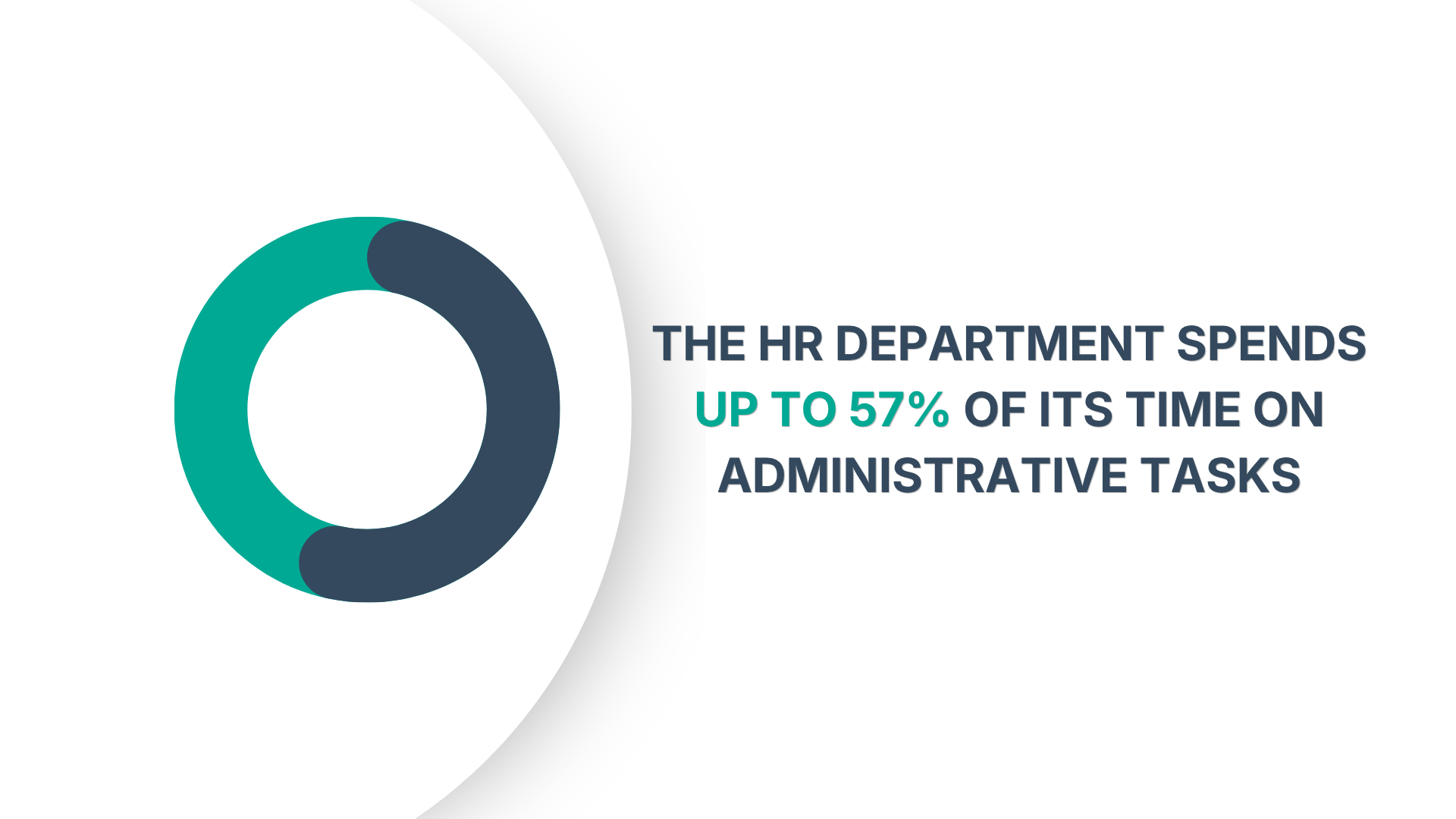
The human resources department spends up to 57% of its time on administrative tasks, according to Deloitte research. This operational weight often intensifies with the scope and legal sensitivity of employee records, a factor many growing companies underestimate.
Every new hire generates documentation for HR to track and produce on demand. Every promotion, performance review, disciplinary action, training completion, and termination adds to it.
For businesses scaling from 20 to 200 employees, the volume and compliance complexity compound quickly, so the system that might have worked for a small team can rarely handle the sudden growth.
Switching from physical document filing and confusing email threads to a centralized employee file management software can help growing companies stay organized and efficient.
However, adopting new software also raises important considerations, especially regarding cost.
This Shortlister article takes an in-depth look at this process, specifically the features and cost considerations that matter as your business scales, and how to evaluate affordability beyond the monthly price tag.
Employee file management software is a centralized system for storing, organizing, and managing records across the full employee lifecycle. This data includes employment contracts, onboarding documents, performance reviews, payroll records, I-9 forms, benefits paperwork, and any other documentation tied to an individual’s employment history.
Unlike general cloud storage, these depositories are built specifically for HR requirements. They can operate as a standalone record management system or as a module within broader HRIS solutions.
The right choice depends on where your company is and how quickly it’s growing.
Regardless of scope, the core value remains the same. HR document management systems provide a single, searchable, access-controlled location for employee records, replacing physical folders and scattered digital files.
The cost of poorly managed employee records is rarely visible until something goes wrong, but by then, the problem is already expensive.
For growing companies, efficient employee records management becomes especially important as their operational costs increase and compliance obligations expand.
According to a 2026 LegalZoom survey of 1,000 U.S. small business owners, one in four has received a compliance-related warning, fine, or citation, costing them between $2,000 and $10,000.
In most cases, these weren’t complex violations but stemmed from administrative oversights such as missed deadlines, overdue filings, or documentation gaps. The survey also found that nearly a quarter of business owners often or always feel unclear about their compliance obligations, which helps explain why violations occur even when intentions are good.
Beyond compliance fines, however, there’s a less visible but equally real and measurable cost: time.
As headcount grows, HR teams spend a disproportionate amount of time fielding requests that a well-organized employee file management system could handle automatically.
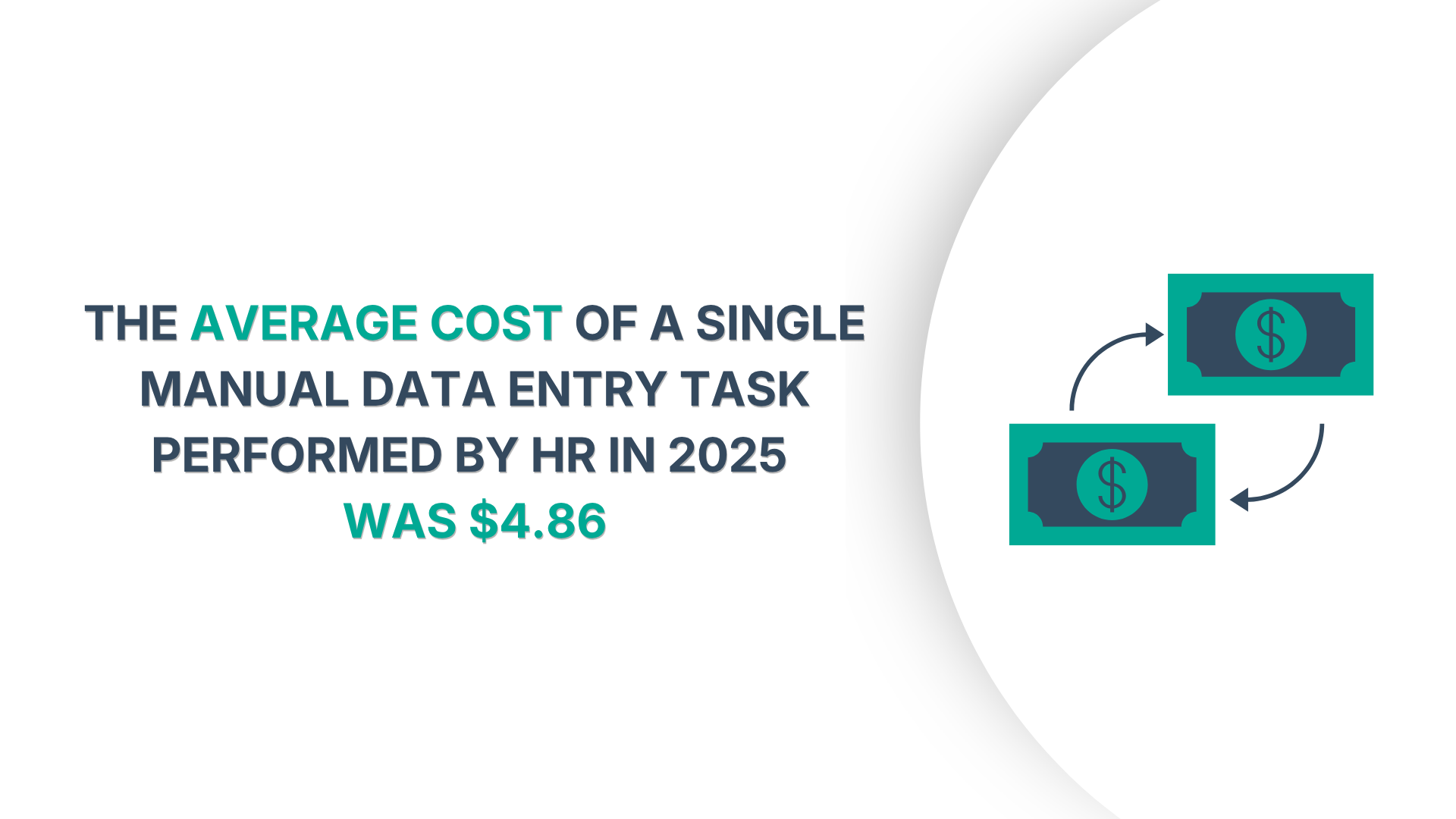
Research shows the average cost of a single manual data entry task performed by an HR professional was $4.86 in 2025.
Multiplied across routine onboarding, offboarding, and policy updates, manual employee records management becomes one of the more expensive administrative practices a growing company can maintain.
Regulatory obligations around employee records aren’t optional and usually apply regardless of company size.
For example, under the Fair Labor Standards Act, employers must retain payroll records for at least three years. The EEOC requires that personnel and employment records be kept for one year and, in the case of an involuntary termination, for one year after separation.
Companies also must retain I-9 forms for three years after hire or one year after termination, whichever is later. For organizations subject to HIPAA, covered records carry a six-year retention minimum, and medical records must be stored separately from general personnel files.
These are federal baselines. State-level requirements frequently go further.
As of 2026, 14 states have enacted pay transparency laws, each with its own disclosure and recordkeeping requirements. Meanwhile, minimum wage floors are rising, too, with at least 19 states having increased minimum wages in January.
Companies that operate across multiple states or hire remotely face a compliance framework that grows with every new jurisdiction. While this is genuinely difficult to track manually, it also represents a legal obligation with a specific timeline for each document type. Software that enforces those timelines automatically changes the nature of the problem entirely.
For growing companies, affordability is often framed as a pricing question.
In practice, time tends to be the more limited resource.
HR teams rarely have the capacity for a lengthy onboarding process or constant manual reconciliation between disconnected systems. A lower-cost platform that won’t solve their problems eventually becomes the more expensive option if it creates more administrative work.
Fit matters just as much.
Enterprise-focused platforms often include layers of functionality that a company with fewer employees may never use, yet they still carry the cost and complexity associated with them. At the same time, a more basic solution may become restrictive once hiring accelerates and, with it, compliance and operational requirements.
Overall, at any stage of growth, what’s affordable will have a different meaning for different companies. Still, it largely depends on understanding the system’s total operational costs rather than choosing a lower price tag.
Affordable employee file management software is rarely the cheapest option upfront.
Many providers may advertise lower prices or even free solutions, but what they include in those rates changes considerably.
Therefore, in practice, the total cost requires looking at three factors:
Most tools use one of three pricing structures.
Per-employee-per-month pricing charges based on the number of employees in the system, which scales predictably but can get expensive as headcount grows. Flat-rate pricing by location or tier is more common among workforce tools targeting hourly teams. Free plans are also available, but are often much more limited in features and unsuitable for growing companies.
Some providers also separate core functions into paid add-ons, charging more for features such as compliance reporting or integrations, while others bundle them by default.
Therefore, the features included become equally important when evaluating affordability. A solution may appear inexpensive initially, but if it requires additional subscriptions or upgrades before it can realistically support HR, the costs will add up significantly.
Implementation complexity follows a similar pattern.
Some systems are designed for quick self-service deployment, while others may require extensive onboarding, configuration, data migration, or administrator training before teams can use them effectively.
For these reasons, affordability is rarely defined by the starting price alone.
The most useful comparison is the amount of functionality and operational support a company receives relative to its total investment.
Once you’ve determined the budget for dedicated software, the next challenge is finding the right one.
Employee record management software varies significantly in scope and functionality.
For scaling businesses, the priority should be features that reduce compliance exposure while simplifying administration and HR workload.
A few are generally non-negotiable:
In addition to these features, look for a solution that integrates with other workforce management software, as this significantly affects day-to-day usability. Otherwise, even a small change that updates in one system but doesn’t in another creates operational confusion and a gap in the personnel record.
Usually, the trigger is a specific problem.
It could be a compliance scare, a failed audit, or a request for employment records that takes HR multiple days to produce due to administrative overload.
It also happens when maintaining consistent, audit-ready records requires more than one employee’s institutional knowledge to keep them accurate. If a single departure leaves the company unable to locate or verify employee records, that is a system problem, not just an HR staffing issue.
For most companies, that point arrives when onboarding frequency and documentation increase, and the margin for error in compliance recordkeeping narrows.
Choosing the right employee file management system depends on the company, specifically its current scope and growth projections.
For small businesses with fewer than 25 employees, the goal is almost always simplicity, low cost, and fast setup. In-depth compliance automation is a secondary concern, while the primary goal is getting records organized and in one place. A simple software solution with basic document storage, employee self-service, and simple access controls covers most needs at this stage.
This growth stage is where structure becomes non-negotiable. Retention policies, e-signature support, role-based permissions, and integration with benefits and payroll systems matter significantly. Standalone document management tools can still work, but the case for a unified HRIS grows stronger as the coordination overhead of separate systems increases.
Audit readiness, cross-location access controls, and deep integrations with payroll, benefits, and performance management systems become the focus. As the operational costs of maintaining separate systems mount, a more advanced HRIS with embedded file management is a better option.
Employee file management software was primarily designed to solve storage issues.
Over time, the category shifted toward compliance and operational automation.
Most systems nowadays are expected to monitor documentation, identify missing records, generate extensive reports, and enforce data retention policies with minimal manual oversight. For HR teams, this evolution has reduced much of the repetitive manual work historically tied to employee data management.
However, as AI use in the workplace grows, a new phase is already taking shape. Platforms are expanding to include features such as AI-assisted document classification and more advanced predictive analytics.
In 2024, Gartner ranked AI-enabled HR tools among the most consequential emerging technologies, with practical applications expected to mature over the next two to five years.
A more recent analysis confirmed this forecast, revealing that, although companies are still experimenting with AI, usage and confidence are growing, and 62% of employees report time savings, averaging 1.5 hours per day.
This shift reframes affordability for scaling businesses.
Platforms investing in AI and automation are positioned to reduce the manual HR work required as the company grows, particularly in areas tied to compliance and recordkeeping.
Consequently, record management software with a higher upfront cost may reduce expenses over time by lowering the ongoing administrative burden attached to growth.
Growing companies don’t need the most comprehensive solution on the market.
Instead, they should look for one that meets their current needs and provides room to add features as they scale.
Affordability, in this context, goes beyond the initial price and is measured in how well the system reduces the HR team’s administrative burden, keeps companies compliant with retention requirements, and holds up when an audit or a dispute makes records the most important asset. An employee file management software that does those three things at a price your team can sustain is the right one.
Content Writer at Shortlister
Browse our curated list of vendors to find the best solution for your needs.
Subscribe to our newsletter for the latest trends, expert tips, and workplace insights!
As a business grows, so does the volume and complexity of its legal matters, exposing the limitations of using spreadsheets and email threads in internal legal management.

Explore the transformative influence of BI solutions on contemporary business strategies.

From remote work integration to cutting-edge recruitment tech, explore the transformative shifts in the staffing industry.

In the game of supply chain, distribution management is the key player that turns potential chaos into organized efficiency.
We're working hard to make it easy for you. Sign up for news, trends and insights.