21 Best Employee Incentive Programs for Engagement & Performance
Ever wondered if the promise of rewards, bonuses, and promotions truly motivates employees, or if it’s just a corporate myth waiting to be debunked?

Workforce learning has become a strategic priority at a scale that would have seemed like an overstatement a decade ago.
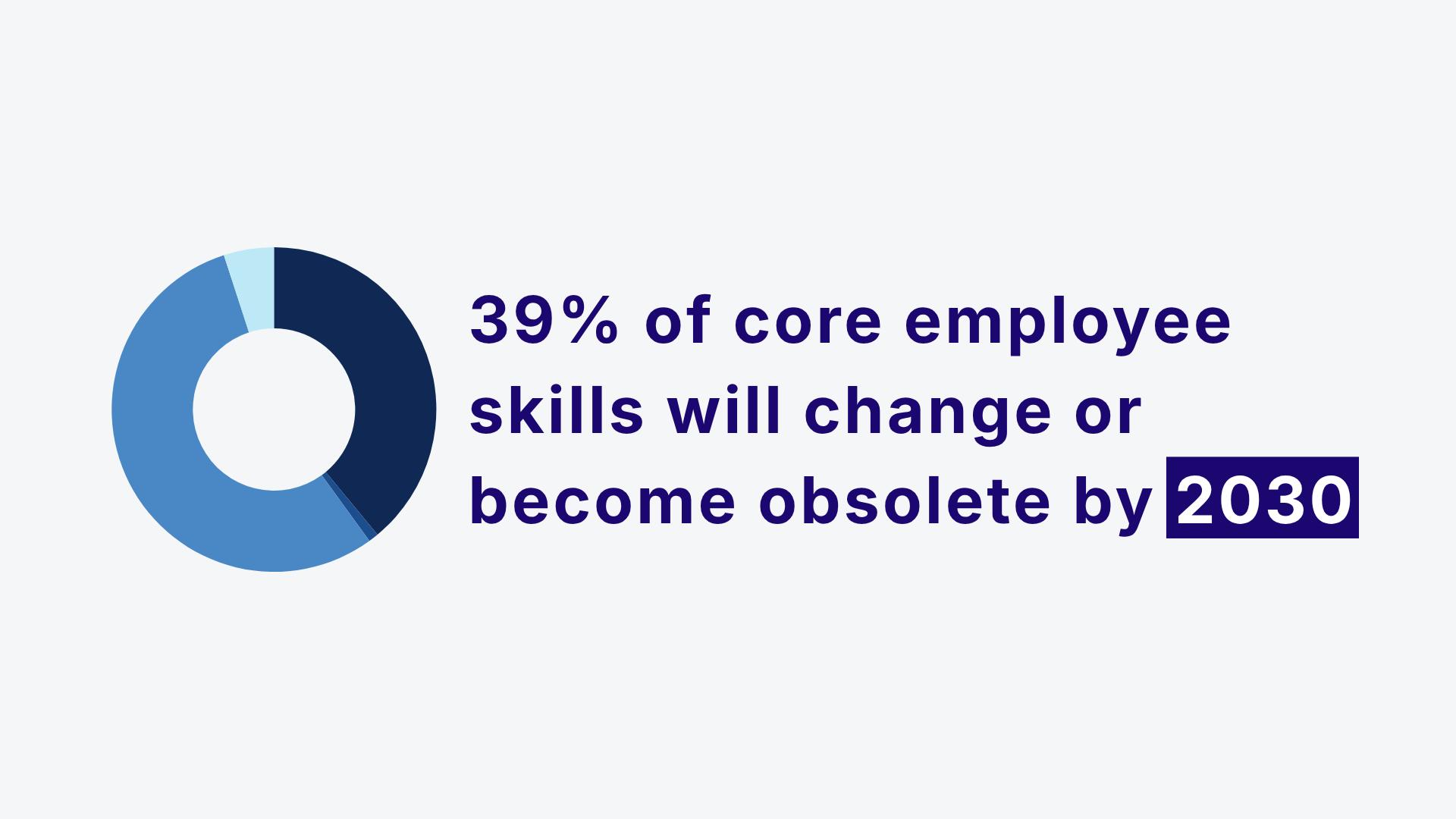
The World Economic Forum’s 2025 Future of Jobs Report projects that 39% of workers’ core skills will change or become obsolete by 2030, and 85% of employers are responding by making upskilling a central part of their workforce strategy.
Learning management systems (LMS) sit at the operational center of this response, and the market has expanded accordingly, with capable, affordable LMS solutions now available to organizations of all sizes.
However, affordability is often misunderstood.
Pricing models are complex, and their full cost, from implementation to administration, is rarely captured in the subscription fee alone. Our guide navigates this complexity, exploring the buying process systematically and treating affordability as a question of total value rather than initial price.
The term “affordable” is often used loosely in software marketing.
Two companies may look at the same solution and reach very different conclusions about its price depending on their budget and priorities.
Affordability is relative, but that does not make it purely subjective.
The most useful starting point when looking for an inexpensive LMS is to separate price from cost, then understand how that calculation changes based on the company’s structure.
Most buyers enter the LMS market looking for a low price, but what they actually need is low cost.
Research from LMSPedia estimates that for a 500-employee mid-market organization, a realistic three-year total cost of ownership (TCO) ranges from $67,500 to $192,000. The subscription fee, which is typically the only number on a vendor’s pricing page, is often the smallest part of this figure and omits:
Understanding the total cost of ownership before evaluating platforms is the difference between a well-structured purchase and a costly oversight.
The question of affordability is highly dependent on organizational context, specifically scale and strategic priorities.
Data from the 2025 Training Industry Report published by Training Magazine demonstrates significant disparities in learning and development (L&D) spending across company sizes. Large organizations reported $11.7 million, compared to $1.6 million for mid-size firms and $333,305 for small businesses.
Beyond scale, these figures reflect fundamentally different relationships with learning technology.
Smaller organizations typically have narrow training requirements and fewer systems to connect, making simplicity and low administrative overhead more valuable than an extensive feature set.
Mid-sized companies face more complexity as training needs diversify. Therefore, the LMS should be able to work alongside other operational and HR systems. At this scale, affordability centers on finding a platform that doesn’t require costly customization.
Large enterprises carry a different set of considerations entirely. Security and regulatory requirements, along with the need to manage learning across thousands of employees, introduce variables that make subscription pricing almost secondary to questions of governance and long-term sustainability.
These distinctions carry over directly into which features different companies should prioritize when seeking an affordable LMS system.
One of the more consistent challenges in finding an affordable LMS is separating the features that justify their cost from those that do not.
Some capabilities are foundational regardless of budget or organizational size. Others are worth paying more for in the right context but become an unnecessary budget strain in the wrong one.
Regardless of company size or training use case, certain capabilities should be present in any reputable learning management system.
At the very minimum, content delivery must be reliable and compliant.
The LMS platform should support technical standards such as SCORM or xAPI, which govern how course content communicates with the LMS. Many authoring tools and third-party content libraries produce courses in one or both of these formats, and a platform that doesn’t support them won’t be able to host or track that content reliably.
Beyond standards compatibility, content should also be easy to access. Mobile accessibility, although often an afterthought for many, matters more than it used to, given how frequently employees complete training outside of a traditional office environment.
On the administrative side, user management should cover the basics without friction. Role-based access control and automated enrolment are two features that most directly determine how much manual work the platform creates on a recurring basis. Reporting and completion tracking are equally non-negotiable – the platform should produce filterable, exportable reports without requiring technical expertise.
Support access rounds out the core features for any affordable LMS. Documentation, a knowledge base, and responsive support channels should be available at the base tier.
Beyond the baseline, feature value depends heavily on organizational context and should be measured against specific use cases.
For example, gamification elements such as badges or points could improve engagement for frontline or customer-facing teams. Meanwhile, in compliance-driven training environments, they tend to add cost without adding value.
Social learning tools, including collaborative features and peer feedback mechanisms, may be better suited for companies with active learning cultures and the L&D capacity to facilitate them. For employers primarily delivering mandatory training, they are rarely a priority.
Advanced analytics and custom reporting are most valuable to businesses with complex compliance requirements or a need to demonstrate training ROI to leadership. Otherwise, standard platform dashboards are usually sufficient for straightforward reporting.
Overall, the question to ask before investing in any advanced capability is whether it ties to a specific, measurable training outcome or business goal.
If the connection is unclear, you can typically defer the feature.
As the need for employee upskilling grows, the question remains: how do you find an affordable LMS, especially in a highly competitive market?
The answer relies less on finding the lowest price and more on running a disciplined evaluation.
The steps below walk through that process in sequence, from defining internal goals to testing platforms before making the final decision. Each step builds on the previous one, and skipping any of them could lead to budgetary surprises.
The first step is to be specific about what the LMS needs to accomplish.
Who needs training, what type, and why? Who will manage the platform day-to-day, and how technical are they? Are there specific integrations with other business systems that are required? What does success look like in six months, a year, or two years?
The answers become the basic evaluation criteria.
Any platform that fails to meet these core requirements within your specified budget range is not affordable, regardless of its subscription price. Without this foundation, vendor conversations become unfocused, and comparisons become subjective.
LMS pricing can be confusing without understanding the underlying pricing model.
Per-registered-user pricing charges based on the total number of accounts, regardless of activity. While it provides billing predictability, it can become expensive for companies with a large contingent workforce.
Active user pricing charges only for employees who engage with the platform during a billing period, which introduces budget variability.
Flat-fee or unlimited-user models offer cost predictability and scale well with employee growth. However, they often come with feature tiers that limit access to advanced capabilities at lower price points.
Free LMS and open-source platforms carry no license fee but shift costs to infrastructure, maintenance, and development. For companies without internal technical resources, these costs can substantially exceed the cost of a commercial subscription.
Once the pricing model is understood, the next step is to build a cost estimate.
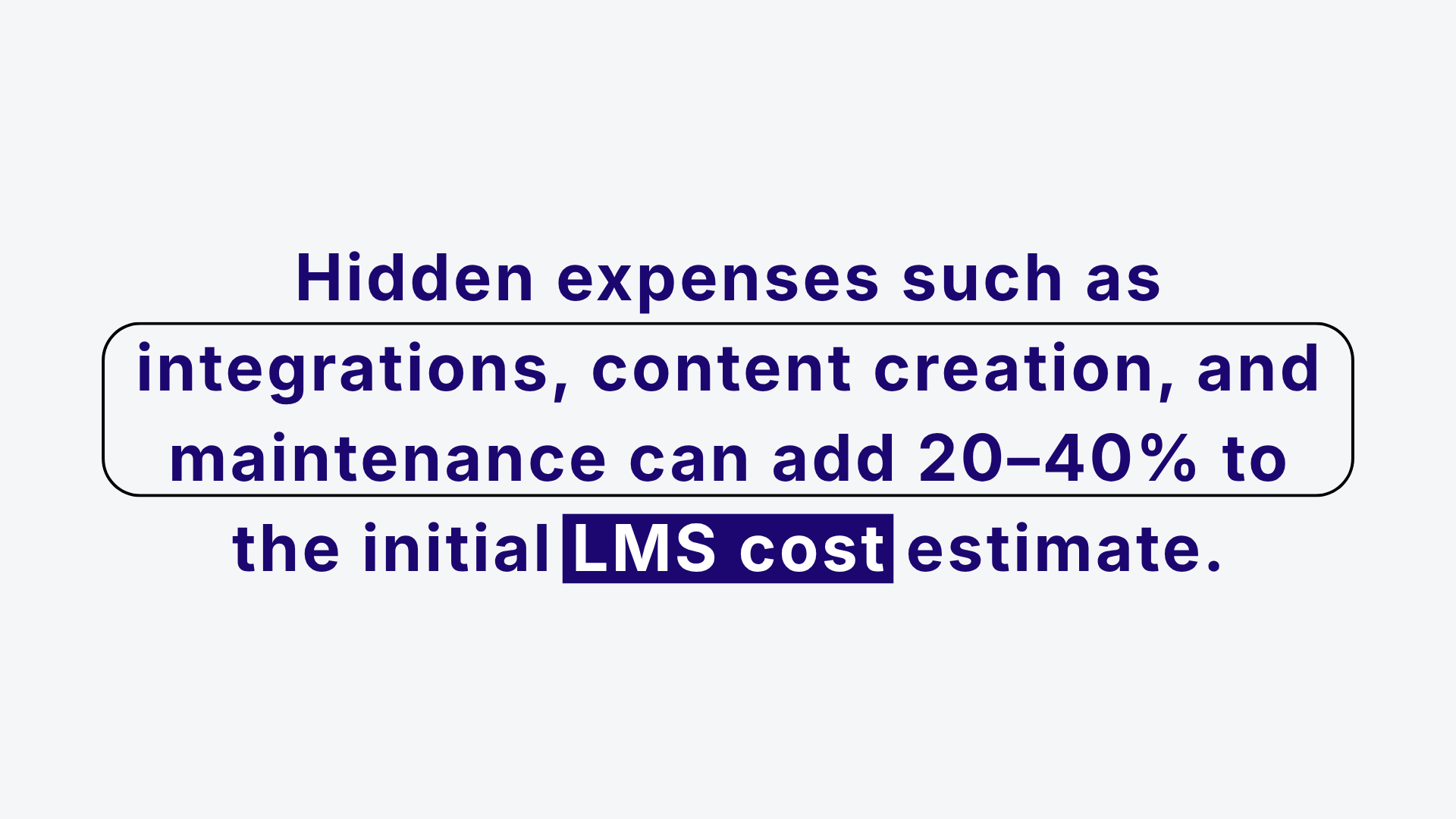
However, in addition to the initial fee, the total cost of ownership also includes implementation and setup costs, integration development, ongoing support, content creation or licensing, and administrative overhead.
Research suggests that these hidden costs can add 20-40% of the initial estimate.
Calculating TCO requires at least a detailed 24-month appraisal beyond the subscription fee. For each platform under consideration, the calculation should account for one-time implementation fees, content migration, administrator training, support above the base tier, and the internal hours required to manage the system each month.
The exercise doesn’t have to be precise, but it does need to exist, since it reveals that platforms with similar prices can have substantially different two-year cost profiles.
Implementation complexity, including setup and onboarding, is one of the most underestimated variables. A platform that takes months to become operational is one that the company is paying for but not using.
Avoiding this mistake requires a thorough assessment of the time and effort required to migrate existing content, configure user roles and permissions, establish reporting structures, and train administrators. Building this timeline into the planning process prevents launch delays and budget overruns that are common in first-time LMS implementations.
An LMS that operates in isolation creates predictable operational friction. Custom integrations with systems that are not natively supported can cost between $5,000 and $20,000 per connector, making native integration support a significant cost factor in TCO calculations.
The most consequential integration for most HR teams is with their HRIS. When HRIS systems connect to the LMS, all updates to employee records, including new hires, role changes, department transfers, and offboarding, flow into the learning system automatically.
Beyond HRIS integration, consider the other systems your LMS will need to communicate with, including content authoring tools and any CRM or ERP platforms relevant to the training programs.
Switching an LMS is operationally complex and often more expensive than the initial implementation. The platform’s ability to scale alongside evolving business needs, without triggering a replacement cycle, should carry real weight in the decision.
According to SHRM research, large companies manage an average of 371 SaaS applications (up 32% since 2021), and more than half go unused. Additionally, 60% of businesses and 83% of HR leaders regret recent technology purchases.
Decision-makers must think long-term before committing.
Assessing if the platform can expand its functionality to support additional employees, how much it will cost, and whether it can adapt to emerging technologies like AI reduces the likelihood of costly replacements.
The final step in the sequence is most useful once you’ve carefully evaluated and shortlisted solutions that meet your requirements and fit your cost model.
Vendor demos are structured to show a platform at its best. Hands-on experience in a trial environment, built around an organization’s actual use cases, reveals the issues and administrative complexity that a sales presentation will not.
Before a trial, prepare a set of realistic test scenarios drawn from your training requirements: uploading a course, configuring a user group, running a completion report, and testing the integration connection with at least one existing system. Where possible, involve the administrators who will manage the system. Their assessment of the platform’s usability is more predictive of long-term adoption than any feature checklist.
Companies that rely solely on vendor presentations frequently discover, post-purchase, that the platform behaves differently in production than it did during the sales cycle.
Three mistakes consistently create challenges in LMS procurement.
The first is selecting a platform solely based on subscription price.
It’s the most common and the most costly.
When the subscription fee is the primary decision criterion, the evaluation process skips the variables that most significantly determine whether a system delivers value: implementation quality, integration depth, reporting capability, and the ongoing cost of administration.
Underestimating the administrative burden of operating an LMS is a related failure.
Every platform requires someone to manage content, employee accounts, enrollment rules, and reporting. For small HR teams, this overhead is a real cost. Thus, learning management systems that require significant technical expertise to administer, or that lack responsive vendor support, quietly consume staff time that is rarely factored into purchasing decisions.
Finally, choosing a platform for current needs without modeling growth scenarios can lead to avoidable disruption.
Migrating an LMS is operationally complex and often more expensive than the initial implementation. Companies that outgrow their platform within 18 to 24 months of purchase effectively pay for two implementations instead of one.
As evaluation moves from feature and value comparison to final selection, these targeted questions bring structure to the process and show how each platform performs across all criteria in a specific organizational context:
Although one of the main goals of finding an inexpensive LMS is to invest in one that can grow alongside your company, these decisions are rarely permanent. Many platforms are designed for a specific scale of use, and a company can, ultimately, outgrow them.
The biggest sign of this is administrative work that disproportionately consumes HR or L&D staff time. If routine tasks require workarounds or significant manual intervention, the system is no longer serving its purpose.
Reporting limitations are another signal that happens when the system requires significant effort to create data to demonstrate training effectiveness or satisfy compliance audits.
Integration failures or gaps can also trigger a legitimate reassessment, particularly with HR software, payroll, or compliance tools that the company has subsequently adopted. Disconnected systems create data quality problems and an administrative burden that compound over time.
Switching platforms is costly, so the decision to upgrade should be deliberate. However, using an LMS that has outgrown the company’s needs creates a different kind of expense, where limited learning opportunities limit the company’s ability to build skills and improve performance over time.
The definition of an affordable LMS is changing.
For most of the market’s history, affordability meant accepting fewer features for a lower price. However, this relationship has become much more nuanced.
Today, more than 74% of organizations use LMS platforms for compliance and workforce development, including many that would have considered them out of reach a decade ago.
Cloud deployment, now the dominant model in the market, reduced the infrastructure costs that once made learning and talent development platforms the exclusive domain of large enterprises, and the resulting competition has driven meaningful improvements in both features and pricing. Artificial intelligence, including deeper analytics capabilities and more sophisticated integration architectures, is also moving into platforms at lower price points than in previous years.
These changes create both opportunity and noise. Genuinely capable systems are more accessible than ever, but feature proliferation makes it harder to evaluate what actually matters for a company.
The principle that cuts through it stays the same: the most affordable LMS is the one that reliably supports your training objectives, integrates with existing systems, scales with your organization, and delivers a total cost of ownership your business can sustain.
Content Writer at Shortlister
Browse our curated list of vendors to find the best solution for your needs.
Subscribe to our newsletter for the latest trends, expert tips, and workplace insights!
Ever wondered if the promise of rewards, bonuses, and promotions truly motivates employees, or if it’s just a corporate myth waiting to be debunked?

Delve into the analysis of ADP’s payroll processing services and compare them against the biggest ADP competitors.
Gain insights into applicant tracking system pricing with a comprehensive cost vs. value analysis. Discover how investing in the right technology can optimize your recruitment process for maximum efficiency and results.
Explore the seamless integration of physical access control with HR tools in our informative guide. Learn how to optimize security measures and create effective desk management systems for a more efficient and secure workplace environment.
We're working hard to make it easy for you. Sign up for news, trends and insights.