Workforce Technology

Managing Information Services for Client Relationship Management

CRM effectiveness depends less on which platform you choose and more on how well you manage the information flowing through it.
In This Post:
Expert Contributors:
Picture of Andrei Blaj

Andrei Blaj

Co-founder of Medicai

Picture of Jonathan Orze

Jonathan Orze

CFO of InGenius Prep

Picture of Christopher Pappas

Christopher Pappas

Founder of eLearning Industry Inc.

Picture of Brian Nguyen

Brian Nguyen

Managing Partner at Universal Law Group

Brand loyalty is becoming a thing of the past. Today, customers leave over one bad interaction, and most of the time, that bad interaction traces back to poorly managed business data.

The system most exposed to that problem is the CRM system. It touches every client-facing function, from sales outreach to support tickets to renewal workflows. When the data running through it degrades, the customer feels it before anyone on the team does.

So, what does it take to keep CRM from becoming a source of friction?

This article covers how to manage the information services behind your CRM so the data stays usable, secure, and actionable.

What Is an Information Management System?

Traditionally, asking “what is an information management system” would usually return definitions that sound a lot like advanced document storage. However, that may be an outdated information management description.

An information management system, in HR terms, is the end-to-end set of services that:

  1. Captures client and interaction data
  2. Standardizes and links it (identity resolution)
  3. Governs it (quality, access, retention, consent)
  4. Makes it usable (search, workflows, analytics)
  5. Distributes it to the right channels at the right time

The concept itself predates digital tools by decades. Filing systems and various record-keeping protocols have always been a part of how organizations operate. 

However, what has changed in recent years is the volume. The average enterprise now manages data across dozens of platforms, from payroll and HRIS systems to communication tools and cloud storage. 

Properly managing information services helps organizations bring order to fragmented data, so teams can find what they need, trust what they see, and use information more effectively across the business.

Why Managing Business Information Is a Client Retention Strategy

Why does any of this matter for client relationships specifically? 

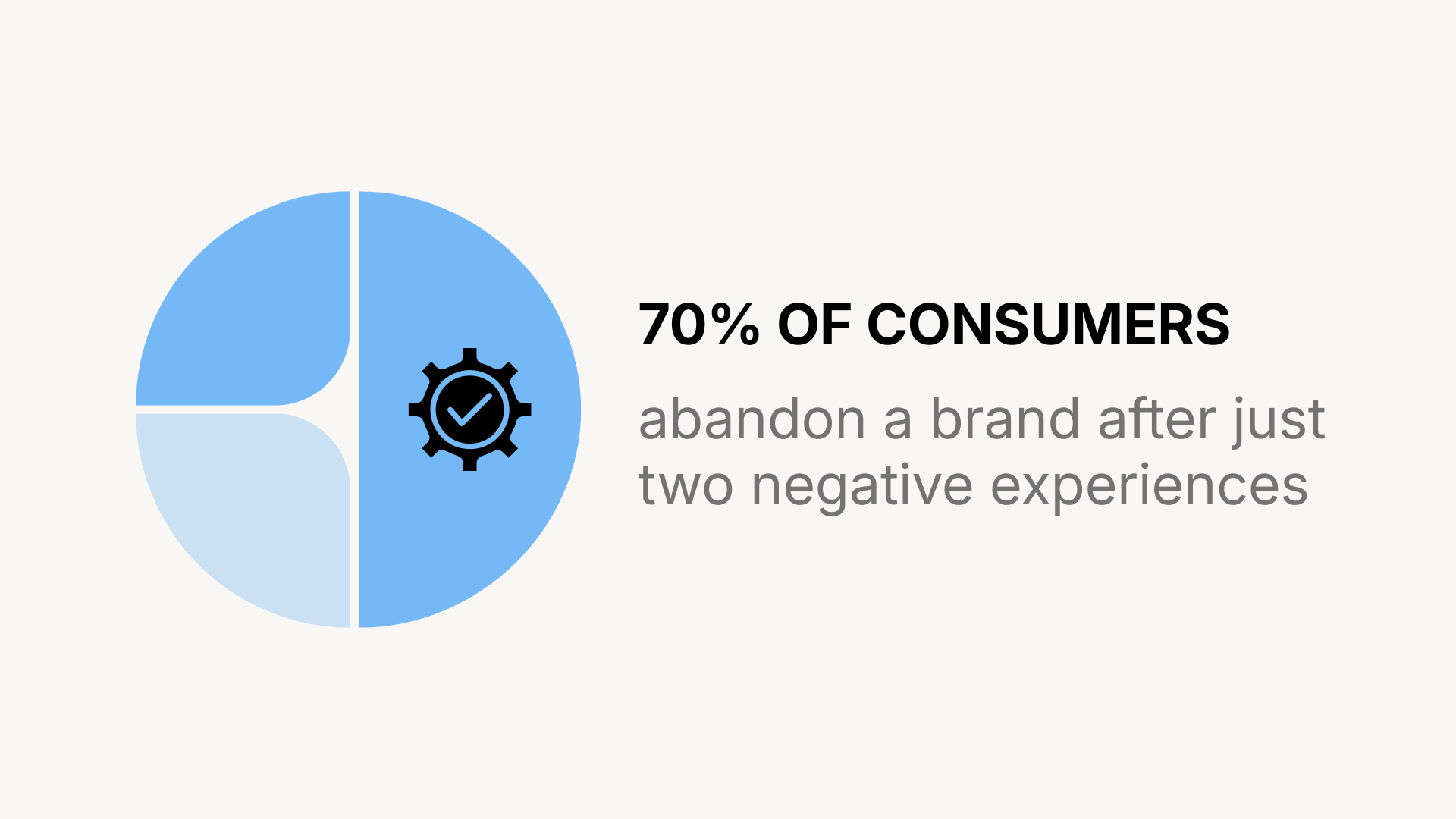
When it comes to client relationships, the margin for error has nearly vanished. An Emplifi report from 2025 found that 70% of consumers will abandon a brand after just two negative experiences, and nearly a quarter will leave after only one. Therefore, the window between “trusted partner” and “former vendor” has never been smaller.

The root cause of many of these negative client experiences get labeled as bad service, however, they usually start as information failure. Poor information flow creates missed follow-ups, duplicate outreach, and conflicting answers. 

For example, one report found that 73% of C-level executives say inaccurate data undermines customer experience. Similarly, 56% of organizations reported losing sales opportunities due to bad data.

The financial consequences of poor information management are well-documented.

According to Gartner, poor data quality costs U.S. organizations an average of $12.9 million per year in lost opportunities, operational rework, and flawed decision-making. 

In short, managing business information today is less of a back-office function and more of a retention business strategy.

Common CRM Information Management Mistakes

Managing information services sounds straightforward on paper, but in practice, even small gaps can weaken the entire CRM.

So, where do most CRM information management efforts go wrong?

1) No Evaluation of the Integration Ecosystem

A stand-alone CRM, no matter how feature-rich, creates risk if it cannot connect to the tools around it. 

Jonathan Orze, CFO of InGenius Prep, stresses the importance of the ecosystem factor.

"Organizations evaluating technology platforms must take a close look at the vendor's partner ecosystem. A stand-alone product could put your company at risk; however, a platform that integrates well with your organization's identity management, payroll, and communications platforms will provide an operational force multiplier."
Jonathan Orze
CFO of InGenius Prep

With 91% of companies with 10 or more employees now using CRM software, integration capability has become a differentiator. A CRM that feeds data into and receives data from benefits administration or employee engagement platforms provides a fuller picture of each client or employee relationship than any isolated system.

2) Building Without Workflows

One of the most frequent implementation failures is treating a CRM like passive storage rather than an active system.

Brian Nguyen, Managing Partner at Universal Law Group, explains, “The most common implementation mistake I see is building a filing cabinet instead of a workflow: people dump documents in, but nobody can answer ‘who did what, when, and why’ without 10 phone calls.”

When records simply sit in the system without tied actions, triggers, or accountability chains, the CRM becomes an expensive archive rather than an operational tool.

3) No Centralized Data Architecture

How many versions of client truth exist in your organization right now? In most cases, the answer is too many

Without standardized fields, dropdown menus, and controlled vocabularies, the same client issue can appear under five different labels.

Nguyen also flags this as a common problem, saying, “Another (mistake) is allowing ‘free-text everything,’ which guarantees inconsistent names/incident types and makes reporting useless when leadership asks for trends.”

For organizations that rely on trend analysis to anticipate client needs or identify churn risk, this kind of data inconsistency is damaging.

4) Ignoring Governance Before Migration

Christopher Pappas, Founder of eLearning Industry Inc., sees a related mistake during technology transitions, as he explains, “Teams often ignore information architecture when they implement HR technology. We see many teams import data into existing fields and assume reporting will work later.”

Importing messy data into a new platform only moves the problem, rather than cleaning it entirely. 

Pappas also flags access control as a blind spot by saying, “We also notice issues with access control, where either too many people can edit records or no one feels responsible for maintaining them.”

5) Building a Governance Framework Before Migration

The reality is that buying the right platform means little if the data flowing into it is inconsistent or disorganized. Governance needs to come first, not after go-live.

Pappas suggests a practical sequence. 

“We assign data stewards for each domain and agree on clear standards for naming, dates, and status values. Then we run a data quality check to identify duplicates and missing information before moving anything. Finally, we test the system with real work situations such as rehires and role transfers to make sure the system behaves as expected.”
Christopher Pappas
Founder of eLearning Industry Inc.

The economics of pre-migration governance make the case on their own. 

According to a Forrester survey, over a quarter of global data and analytics professionals estimate their organizations lose more than $5 million annually due to poor data quality, with 7% reporting losses of $25 million or more. 

Cleaning records before migration is far cheaper than untangling them after teams have already built workflows and reports on top of flawed inputs.

Knowing this, a governance framework does not need to be complex. 

At minimum, it should define who owns each data domain, what constitutes a complete record, how duplicates are identified and resolved, and how often data quality audits occur.

What to Prioritize When Choosing a CRM Platform

Vendor selection often fixates on feature lists and interface design, but the factors that matter most for managing information services long-term are less visible.

Jonathan Orze frames one risk, saying, “Not establishing non-negotiable KPIs before you select your vendor will cause your deployment to be bloated and irrelevant.”

For organizations managing more complex data, strong KPIs alone are not enough. As mentioned previously, the underlying architecture matters just as much.

According to Andrei Blaj, Co-founder of Medicai, this is a recurring issue in healthcare, “A common mistake is treating imaging and related information as isolated files instead of adopting an architecture that improves access and interoperability.” 

His recommendation applies across all sectors: prioritize cloud-based platforms that offer secure, compliant access and standard interfaces, because point-to-point integrations are expensive and complex.

The practical checklist, then, looks less like a feature comparison and more like a risk assessment:

  • Can the platform enforce standardized data entry at scale?
  • Does it integrate natively with your existing tech stack?
  • Are audit trails immutable and exportable under deadline pressure?
  • Will the vendor’s roadmap keep pace with your regulatory environment?

What Comes Next for CRM Data Management

Shortlister’s Workplace Wellness Trends 2026 found that AI mentions in vendor proposals increased 340% over the last two years. 

Furthermore, the latest Gallup data shows that, as of February 2026, roughly four in 10 employees say their organization has introduced AI tools or technologies to improve organizational practices.

Given how quickly AI has spread across the workplace, the pressure on CRM data management has only grown. Predictive lead scoring, automated follow-ups, and intelligent routing all depend on clean, structured data. 

Yet, most organizations are not ready for what this pace demands.

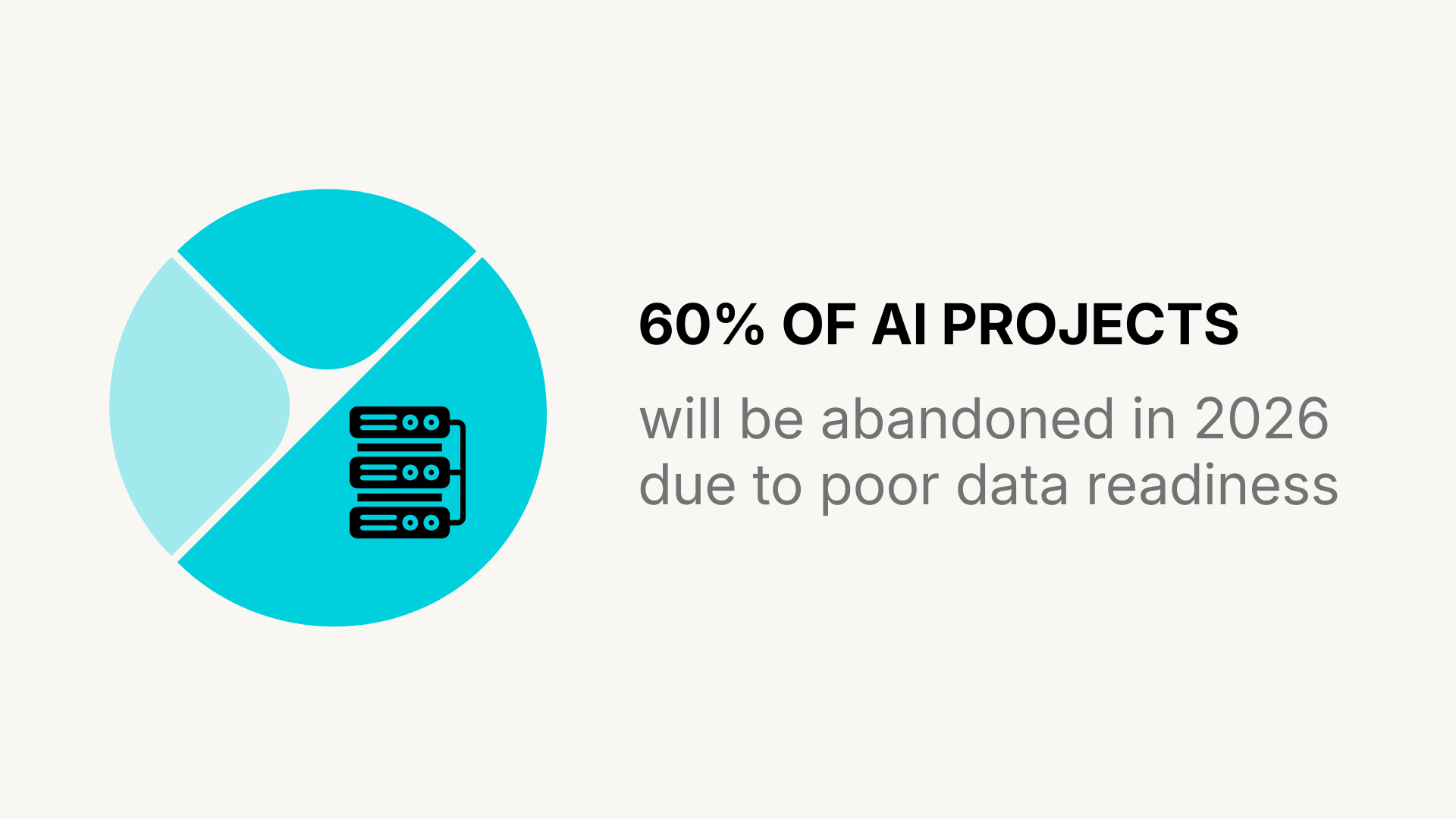
A 2025 Gartner survey of 248 data management leaders revealed that 63% of organizations either lack or are unsure whether they have the right data management practices for AI. Gartner also predicts that, through 2026, organizations will abandon 60% of AI projects unsupported by AI-ready data.

For CRM-dependent businesses, the implications of such shortcomings are direct. AI tools trained on messy CRM records, where the same client appears as three different entries with conflicting contact details, will produce confidently wrong outputs.

On a Final Note

When looking at the bigger picture, the current macroeconomic backdrop only strengthens the need for cleaner data governance across businesses. 

With the U.S. annual inflation rate jumping to 3.3% in March 2026, its highest level in nearly two years, and hiring costs rising alongside it, companies are under pressure to extract more value from existing relationships rather than constantly acquiring new ones. 

Clean CRM data directly supports that goal by surfacing upsell opportunities, flagging at-risk accounts earlier, and providing leadership with actual evidence for strategic calls rather than relying on intuition.

Ultimately, managing information services builds the infrastructure that makes client relationships durable and supports long-term business growth.

Frequently Asked Questions

Why Does CRM Data Degrade Over Time?

CRM data decays because client information changes constantly. Contacts switch roles, companies rebrand or merge, email addresses go inactive, and phone numbers rotate. Without scheduled audits and automated validation rules, records become outdated quickly. In fact, industry estimates suggest that contact data degrades roughly 30% per year.

How Often Should Organizations Audit Their CRM Data?

There is no universal schedule, but quarterly audits are a practical baseline for most mid-sized organizations. High-volume sales teams or companies in regulated industries may benefit from monthly reviews. The audit should check for duplicate records, incomplete fields, outdated contact details, and inconsistencies in how client issues or statuses are labeled.

What Is a Data Steward and Why Does It Matter for CRM?

A data steward is the person or role accountable for the quality, consistency, and governance of a specific data domain within an organization. Without clear stewardship, data ownership becomes ambiguous, and records deteriorate as no single person is responsible for maintaining them.

Written by Ivana Radevska

Senior Content Writer at Shortlister

HRIS Systems

Browse our curated list of vendors to find the best solution for your needs.

Stay Informed

Subscribe to our newsletter for the latest trends, expert tips, and workplace insights!

Related Posts

Employee Benefits Report Payroll

Employee Benefits Report: Payroll

From behind-the-scenes support to the forefront of strategic HR innovation, payroll systems are evolving into indispensable tools for transforming the employee experience and driving organizational success.

Why is Mentorship Important?

In times of increased globalization and rapid technological advancement, mentoring tightens the gap caused by skill shifts and empowers employees, making it an irreplaceable asset in career growth.